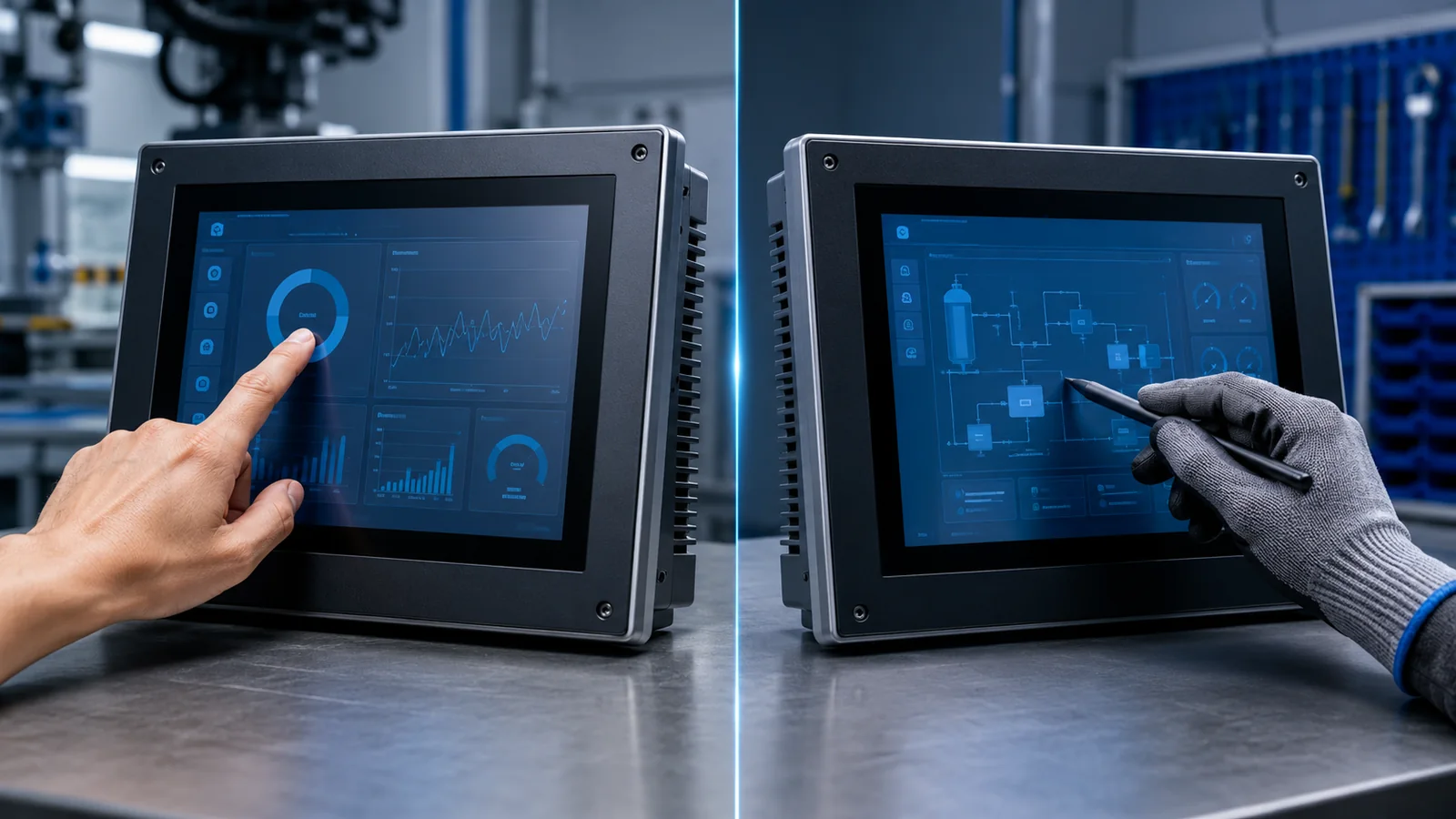
Should an industrial HMI use PCAP or resistive touch?
Choose against the operating conditions: glove material, stylus use, wet-finger behavior, cleaning, cover-lens design and sealing. Resistive touch responds to pressure; projected capacitive touch requires the sensor, controller and cover stack to be evaluated together. A touch technology label alone does not confirm glove, water or EMC performance.
Compare the published DS-T035BHSA-01P resistive-touch module and DS-T035SGV-01CP PCAP module; they also differ in resolution, so they are examples rather than interchangeable parts.
Touch technology changes the complete front assembly, not only the way a user presses the display. It affects the cover lens, controller electronics, bezel design, optical stack, sealing strategy and software tuning. For industrial HMI projects, compare the real operator and environment before choosing.
How resistive touch works
A resistive touch panel detects pressure when flexible conductive layers make contact. A finger, glove or passive stylus can operate it as long as enough pressure is applied. This makes RTP practical for equipment that uses deliberate single-point input or must accept a simple stylus.
RTP normally has a visible perimeter structure and a flexible top layer. Mechanical design must avoid unintended pressure from the bezel or gasket. Review the resistive-touch TFT LCD integration page for stack and controller considerations, or see standalone RTP customization when no LCD module is required.
How projected capacitive touch works
PCAP senses changes in an electric field. It supports gestures and multi-touch and can be laminated behind a customized cover lens. This creates a continuous front surface suitable for printed borders, logos, holes and shaped glass.
Glove and water operation are possible only when the sensor pattern, controller, firmware tuning, cover thickness and grounding are designed together. PCAP should be validated in the final enclosure rather than judged only as a loose sample. See the capacitive-touch display engineering page. If the PCAP is supplied separately from the LCD, review standalone PCAP panel customization.
Which technology fits common requirements?
Gloves and stylus
RTP responds to pressure and therefore accepts many glove materials and passive styli. PCAP glove performance depends on glove thickness and controller tuning; a passive plastic stylus usually does not behave like a conductive stylus.
Water and cleaning
A PCAP design can provide a sealed cover-lens surface, but water rejection must be tested with the selected controller and enclosure grounding. RTP can also be integrated into protected equipment, although the top film and perimeter require appropriate mechanical protection.
Optics and user experience
PCAP typically offers a cleaner front surface and gesture interaction. RTP can add optical layers and surface reflection, but it remains effective for menu-driven industrial controls where input certainty matters more than multi-touch.
Mechanical construction
PCAP cover glass can extend beyond the LCD and include printing, holes and edge treatments. RTP dimensions are more closely tied to the touch structure, tail location and active area. In both cases, confirm touch-tail direction, adhesive width, total thickness and bezel opening.
Custom PCAP vs resistive touch screen requirements
For an OEM project, the touch technology and the customization scope should be selected together. A projected-capacitive panel may require a tuned controller, printed cover glass and enclosure grounding, while a resistive panel requires the correct tail, bezel clearance and actuation structure.
| Requirement | Custom PCAP touch screen | Custom resistive touch screen |
|---|---|---|
| Primary input | Finger, conductive stylus and multi-touch gestures | Finger pressure, many gloves and passive stylus input |
| Front construction | G+G sensor with shaped or printed cover glass | 4-wire, 5-wire or G+G RTP with defined bezel clearance |
| Controller review | I2C or USB controller, firmware tuning, grounding and noise | Host ADC or controller board, calibration and linearity |
| Environment | Water rejection, glove tuning, EMC and charger noise | Surface wear, sealing, cleaning and unintended bezel pressure |
| Files for quotation | Outline, active area, cover drawing, interface and environment | Outline, active area, tail drawing, actuation and environment |
DISEA supports both standalone touch panels and touch integrated with a TFT LCD module. Review custom PCAP panel engineering or custom resistive touch screen options before sending the final RFQ.
Industrial touch selection checklist
- Define finger, glove, stylus and multi-touch requirements.
- Describe water, cleaning fluid, dust and condensation exposure.
- Confirm cover-lens material, thickness, printing and surface treatment.
- Identify controller interface, operating system and available driver support.
- Review grounding, charger noise, display noise and ESD paths.
- Test the complete display, touch, cover and enclosure assembly.
Product references
Compare the 3.5-inch IPS module with resistive touch with the 3.5-inch VGA module with PCAP. The choice should follow input and integration requirements, not touch technology alone.
Share the operator, glove, water, cover-lens, controller and enclosure requirements for a touch-stack review.
Request an engineering review