Standard Module
Use an existing display when size, resolution, interface and structure already fit the device.
Choose the right customization path for the display, touch, interface, mechanics and real operating environment.
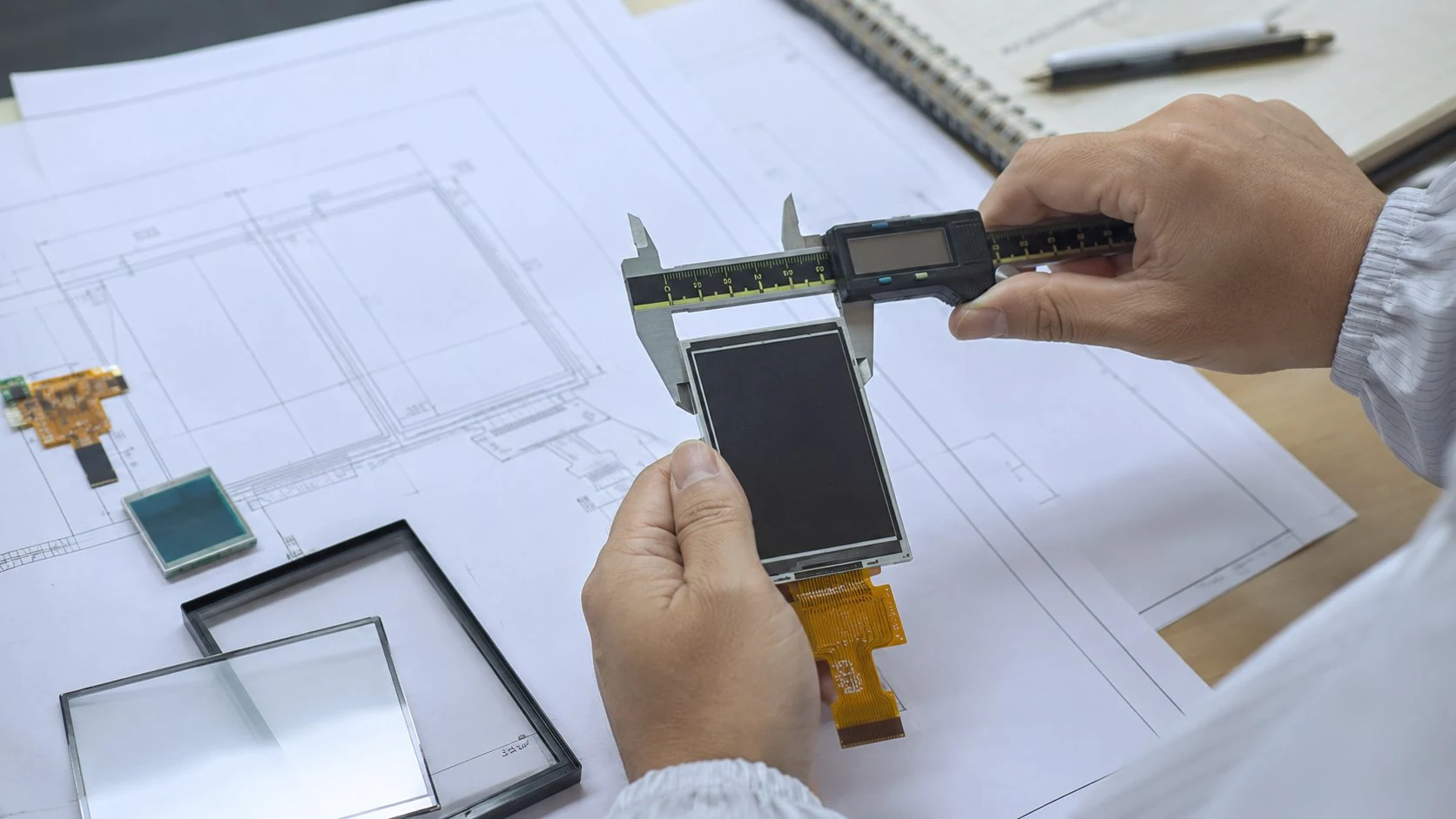
DISEA supports projects that begin with a standard module and require changes to the display structure, touch panel, cover lens, interface, FPC or controller board.
The right route depends on how closely an existing module matches the mechanical, optical and electrical requirements.
Use an existing display when size, resolution, interface and structure already fit the device.
Start from a standard module and adjust FPC, touch, cover lens, backlight or controller support.
Evaluate dedicated structure, special shape, resolution or integration requirements when standard options do not fit.
Click a topic below to open the full customization page with detailed text and images.
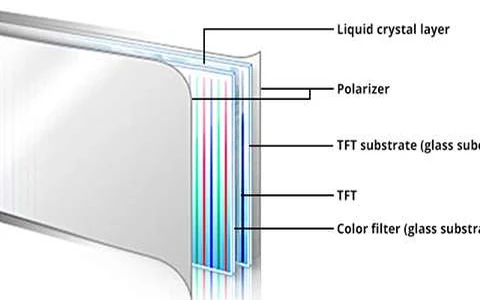
Define the active area, resolution, glass outline, optical mode and interface when a published module cannot meet the equipment design.
Open full page →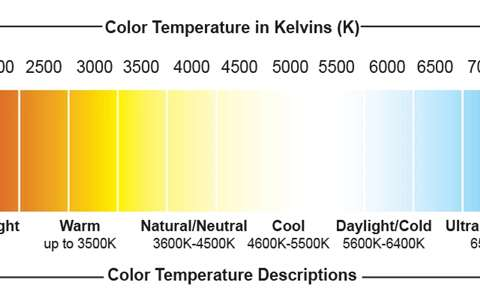
Review luminance, LED configuration, power, dimming and thermal limits together with the complete display and enclosure.
Open full page →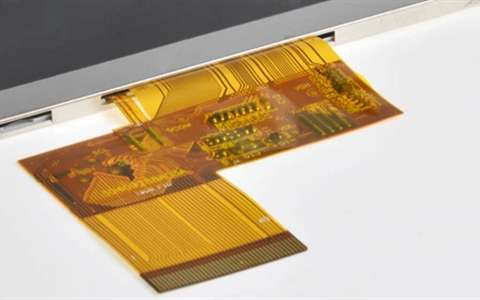
Define FPC geometry, length, pin assignment, pitch, connector and routing around the host board and mechanical envelope.
Open full page →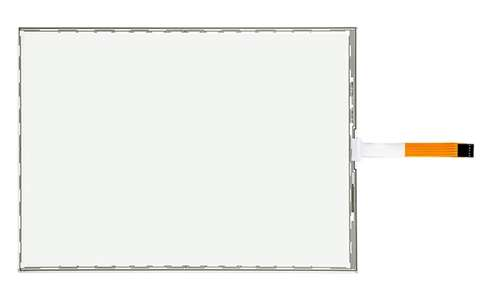
Specify the RTP outline, active area, tail direction, controller, bezel clearance and bonding method for the final operator interface.
Open full page →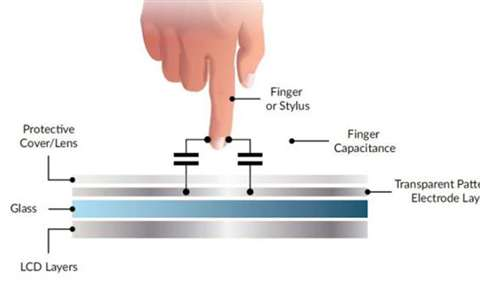
Coordinate the PCAP sensor, controller, cover lens, FPC, grounding and glove or water behavior with the installed enclosure.
Open full page →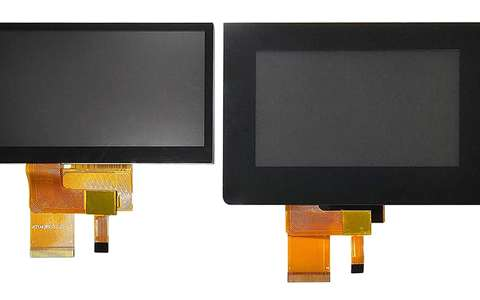
Specify outline, thickness, printing, holes, edge treatment and surface finish from the front-panel drawing and use environment.
Open full page →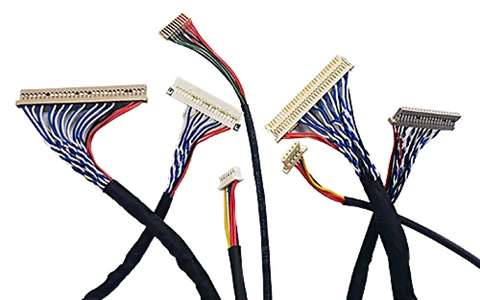
Review frames, buttons, cables and assembly interfaces as part of the equipment design instead of treating them as unrelated add-ons.
Open full page →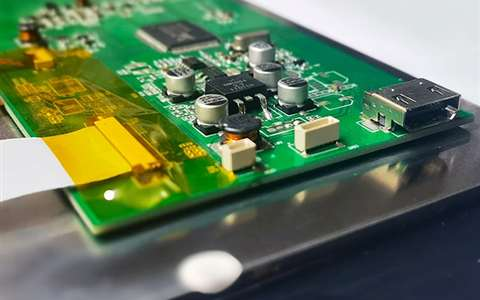
Match HDMI, VGA, SPI, MCU or TCON requirements to the exact module timing, interface, connector, backlight and host platform.
Open full page →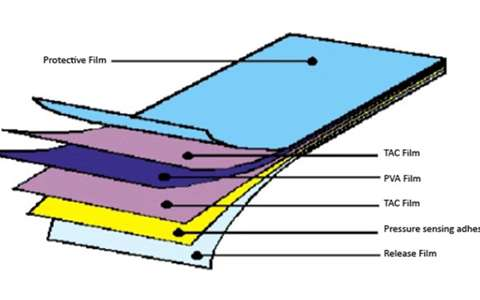
Review surface finish, reflection, viewing orientation and polarized-eyewear behavior in the real installed position.
Open full page →Not sure which touch route fits the equipment? Compare projected-capacitive and resistive touch for industrial HMI, then use the standalone PCAP or RTP page only when the touch panel is being specified separately from the LCD module.
Select an application environment to review its main challenges and the display features that should be prioritized.
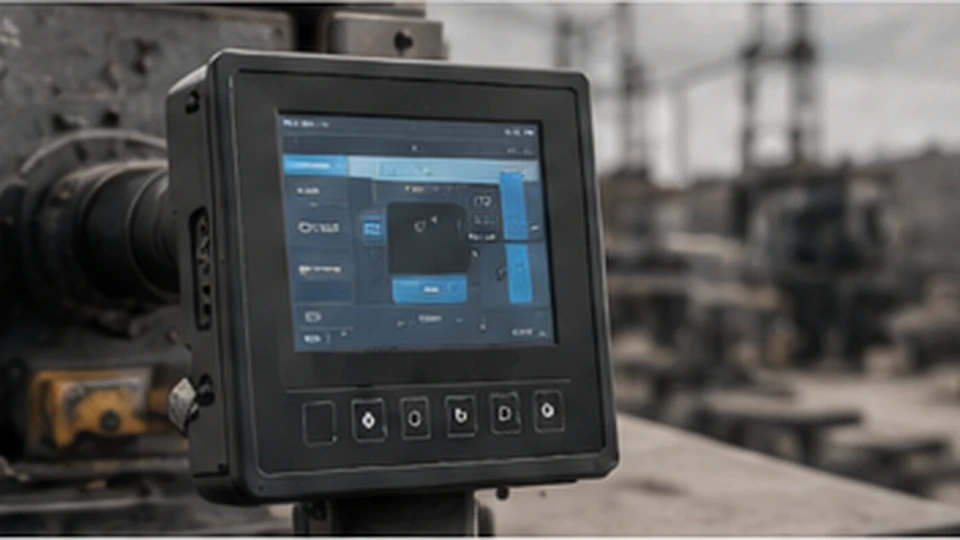
Readability, temperature and continuous operation.
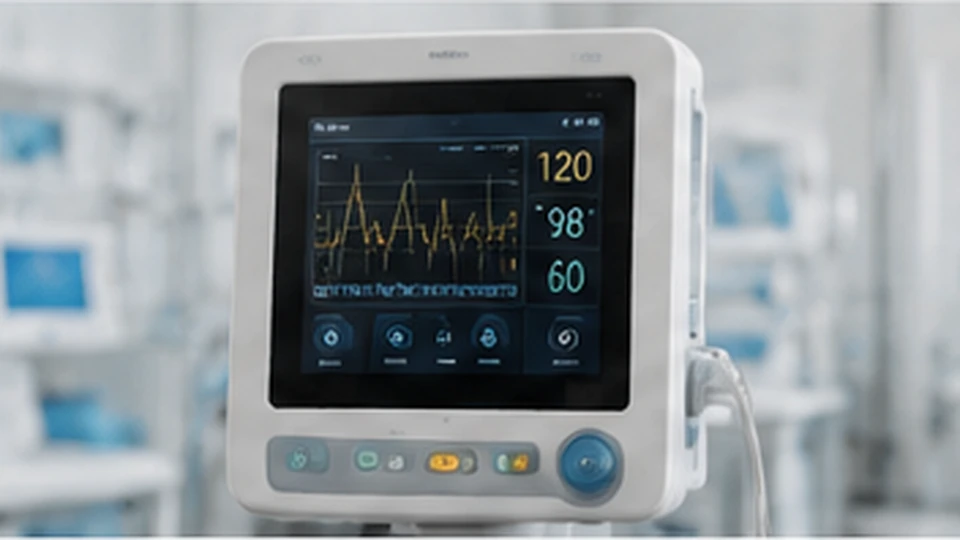
Clear UI, stable appearance and reliable touch.
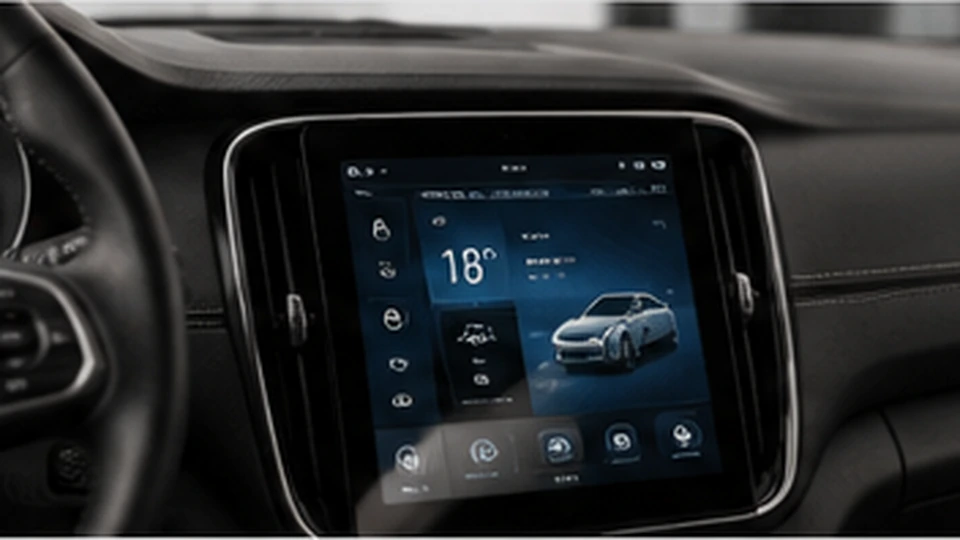
Vibration, temperature and electromagnetic conditions.
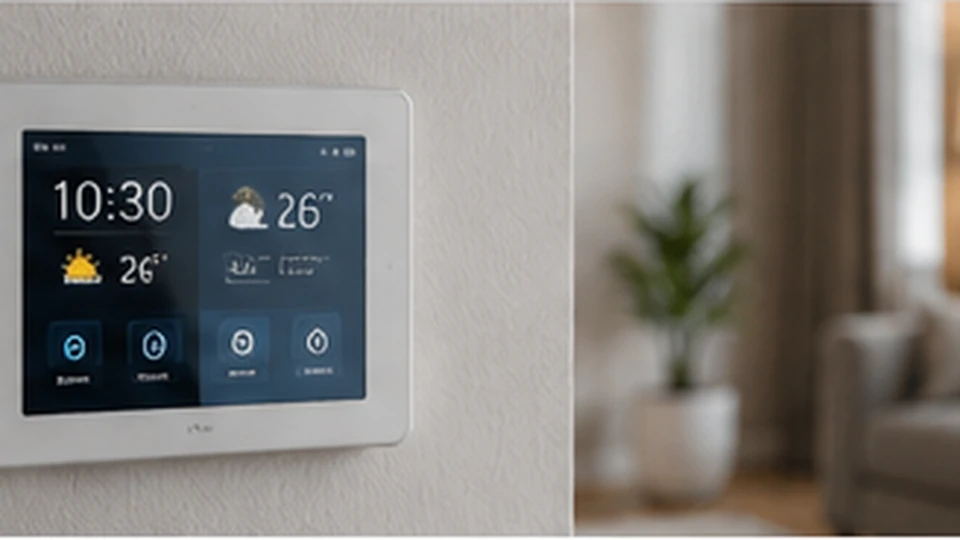
Thin structure, appearance and compact integration.
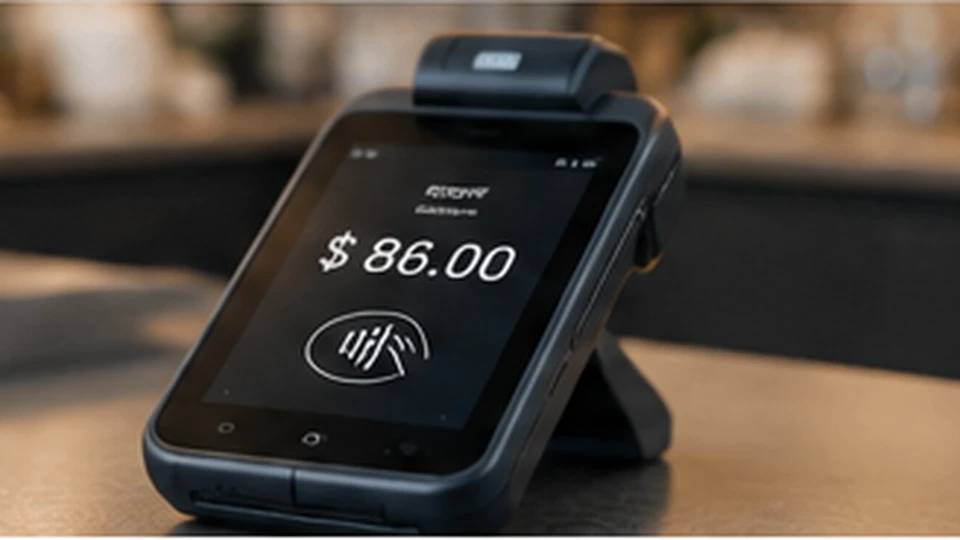
Touch use, durability and space limitations.
A clear review process helps reduce sample revisions and keeps project information aligned.
Size, interface, brightness, touch, structure and application.
Standard, semi-custom or full-custom recommendation.
Outline drawing, FPC, cover-lens artwork and sample plan.
Function, touch, fit and reliability feedback.
BOM, QC points, packing and repeat-order coordination.
Share the essentials below so the team can compare suitable standard modules and custom paths.
Discuss Your Requirement